Home-Assistant can connect to “subscription calendars” and you can then use those events to trigger automations.
I wanted to connect HA to my Nextcloud server so I could use my personal calendar this way too. But it wasn’t that obvious how to do it. So here are the step by step instructions.
Locate calendar in Nextcloud
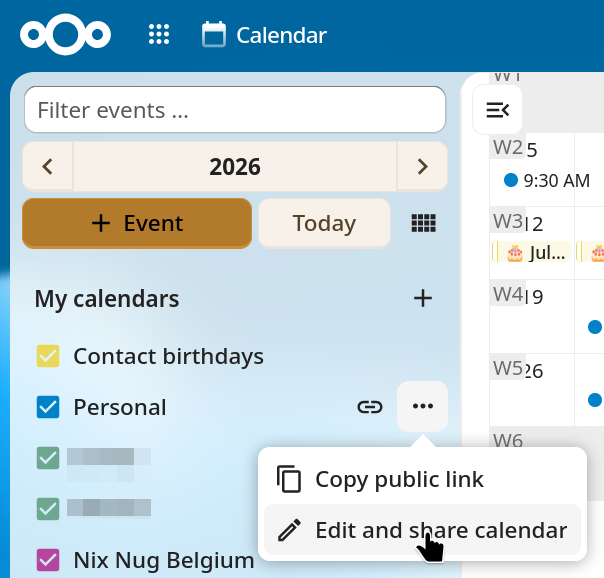
First, pick one calendar to share and click on its “Edit and share calendar”:
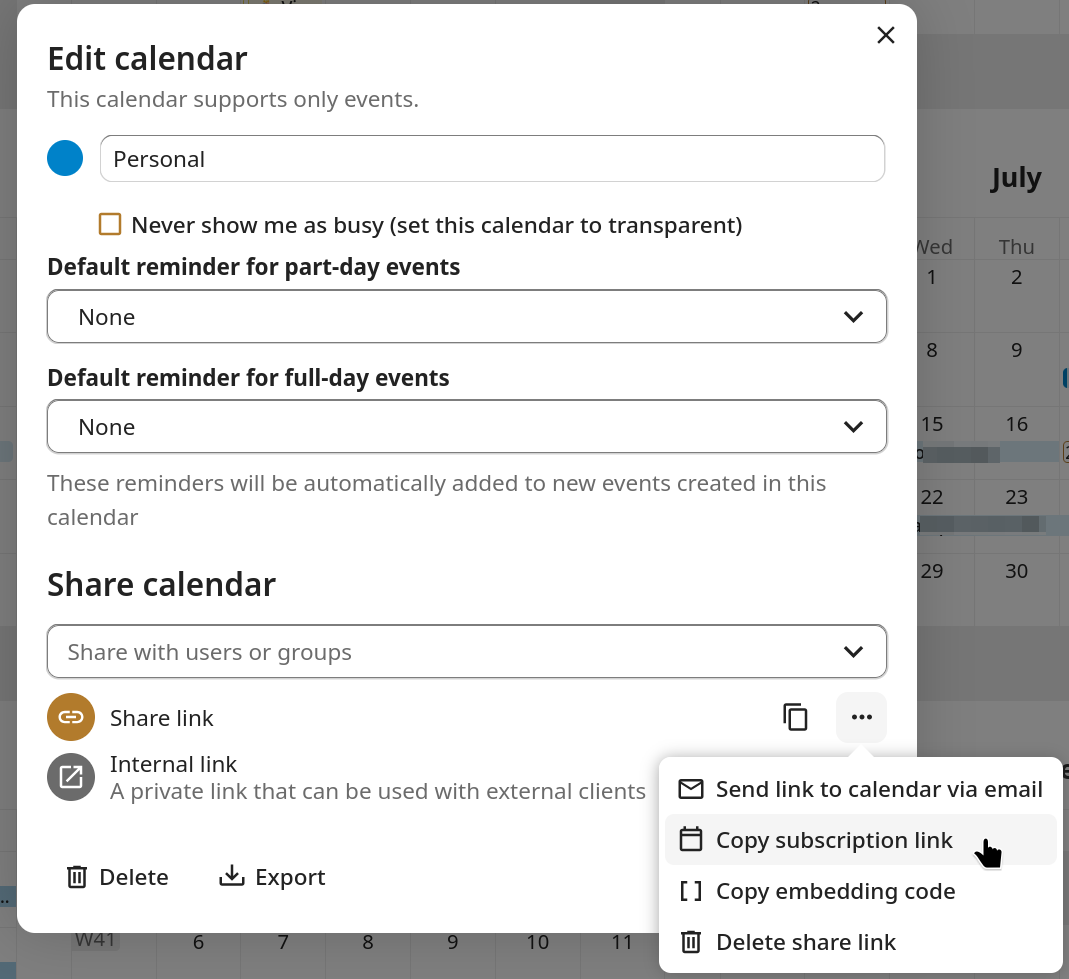
Then click on the three dots next to the “Share link” row and click on “Copy subscription link”:
Add calendar to Home Assistant
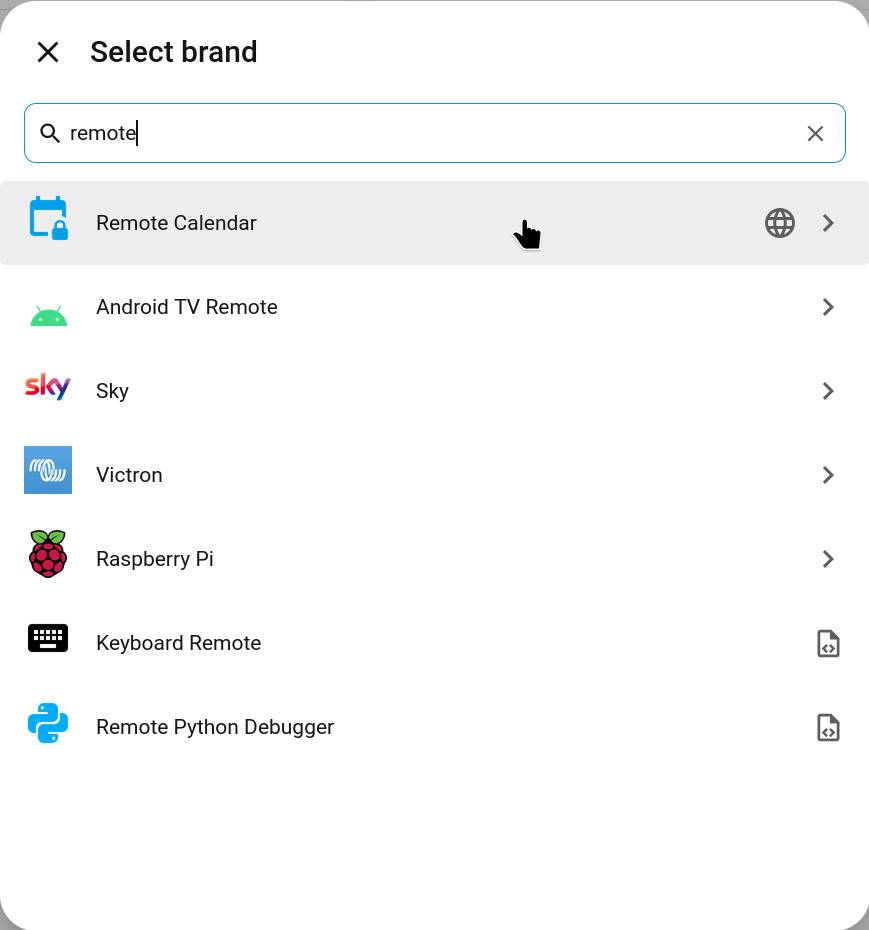
On the Home Assistant side, add the Remote Calendar integration:
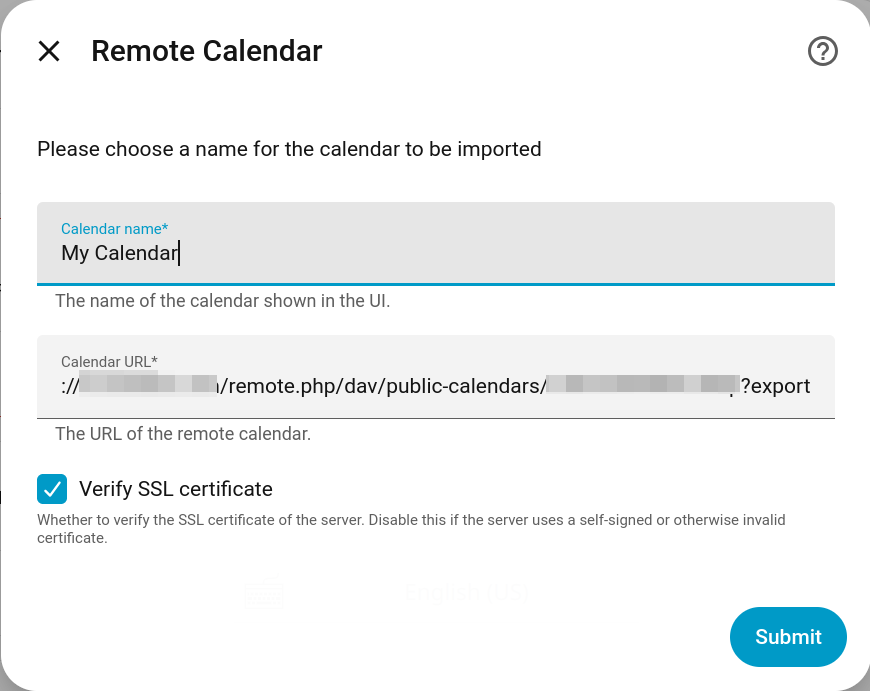
Give a name to the calendar and copy the subscription link. Then click done.
Conclusion
And that’s it! Now you can see your Nextcloud calendar from Home Assistant.